+33 (0)4 72 14 17 99 Quote (0) Quote
Quote 0 Quote
Contact us

Introduction

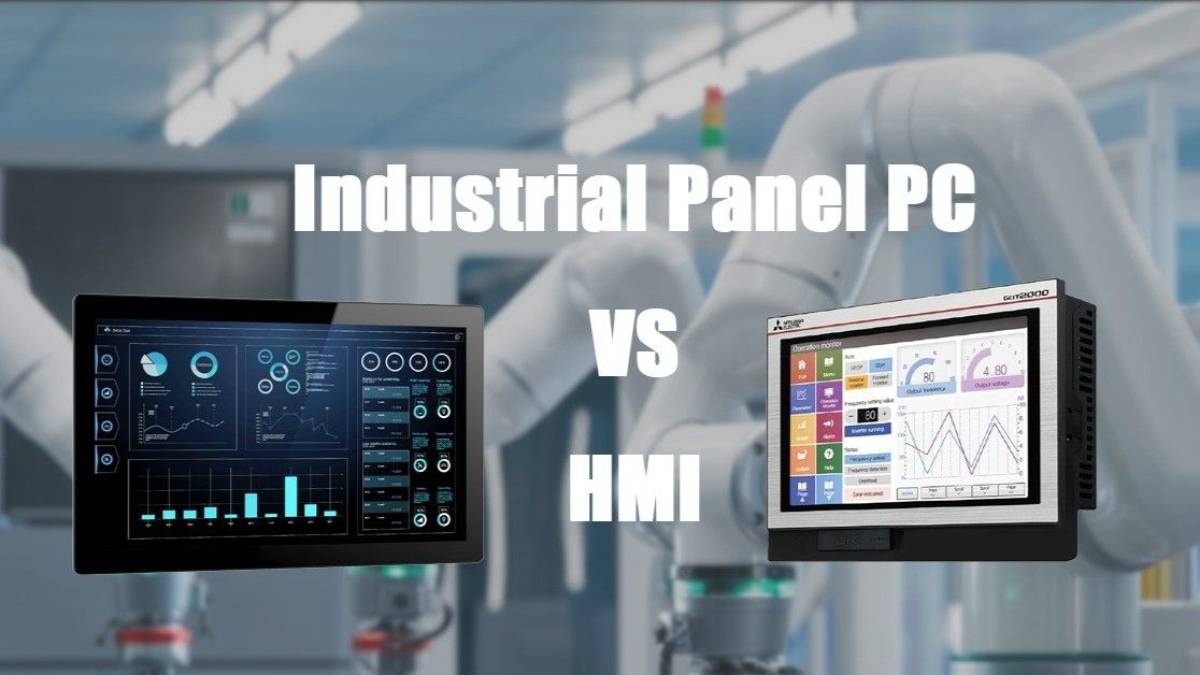
In industrial automation projects, one question comes up again and again: Should we use a traditional Touch Screen HMI, or a Panel PC?

At first glance, both look similar — a flat industrial display with touch control, mounted on a machine or control cabinet. But under the surface, their capabilities, roles, and long-term value are fundamentally different.

This article explains:

  • The key differences between Panel PCs and HMIs.
  • How to choose the right solution for your application.
  • Where the industry is heading, from a technical perspective.

What Is a Touch Screen HMI?

A Touch Screen HMI (Human Machine Interface) is primarily designed as an operator interface for PLC-controlled machines.

Its core functions are:

  • Display machine status
  • Allow operators to input commands
  • Communicate directly with PLCs using industrial protocols

HMIs typically:

  • Run vendor-specific runtime software
  • Are programmed using proprietary engineering tools
  • Have limited computing power
  • Focus on visualization, not computation

In simple terms: An HMI is the “control panel” of a machine, not its brain.

What Is a Touch Screen HMI - Intronix Systems

What is a Panel PC?

A Panel PC is a full industrial computer with an integrated display and touch screen. => view our Panel PC.

Unlike an HMI, a Panel PC:

  • Runs standard operating systems
  • Supports third-party and custom software
  • Offers significantly higher computing performance

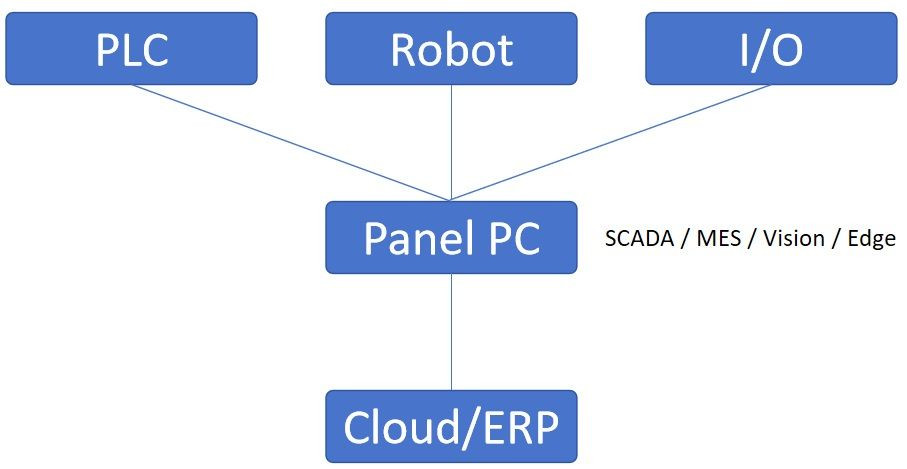
Typical tasks handled by a Panel PC include:

  • SCADA systems
  • MES terminals
  • Industrial vision
  • Edge computing & data preprocessing
  • Soft-PLC and protocol gateway functions

A Panel PC is not just an interface — it is a computing node within the automation architecture.

What is a Panel PC?

Key Differences at a Glance

Aspect Touch Screen IHM Panel PC
Core role Operator interface Industrial computer
Operating system Vendor-specific Windows/Linux/Android
Computing power Very limited Hihg
Software flexibility Low Very High
Datastorage & processing Minimal Advanced
Multi-tasking No Yes
Vendor lock-in High Low

How to Choose: HMI or Panel PC?


Choose a Touch Screen HMI if

  • The machine logic is fully handled by the PLC
  • The system is simple and standalone
  • Cost is extremely sensitive
  • No data analytics or system integration is required

Typical examples:

  • Packaging machines
  • Standalone production equipment
  • Small OEM machines


Choose a Panel PC if

  • Data collection, storage, or analysis is required
  • The system must connect to MES / ERP / Cloud
  • Multiple devices or protocols are involved
  • Vision, AI, or edge computing is needed
  • Long-term scalability matters

Typical examples:

  • Production lines
  • Smart factories
  • Medical and semiconductor equipment
  • IIoT and digitalization projects

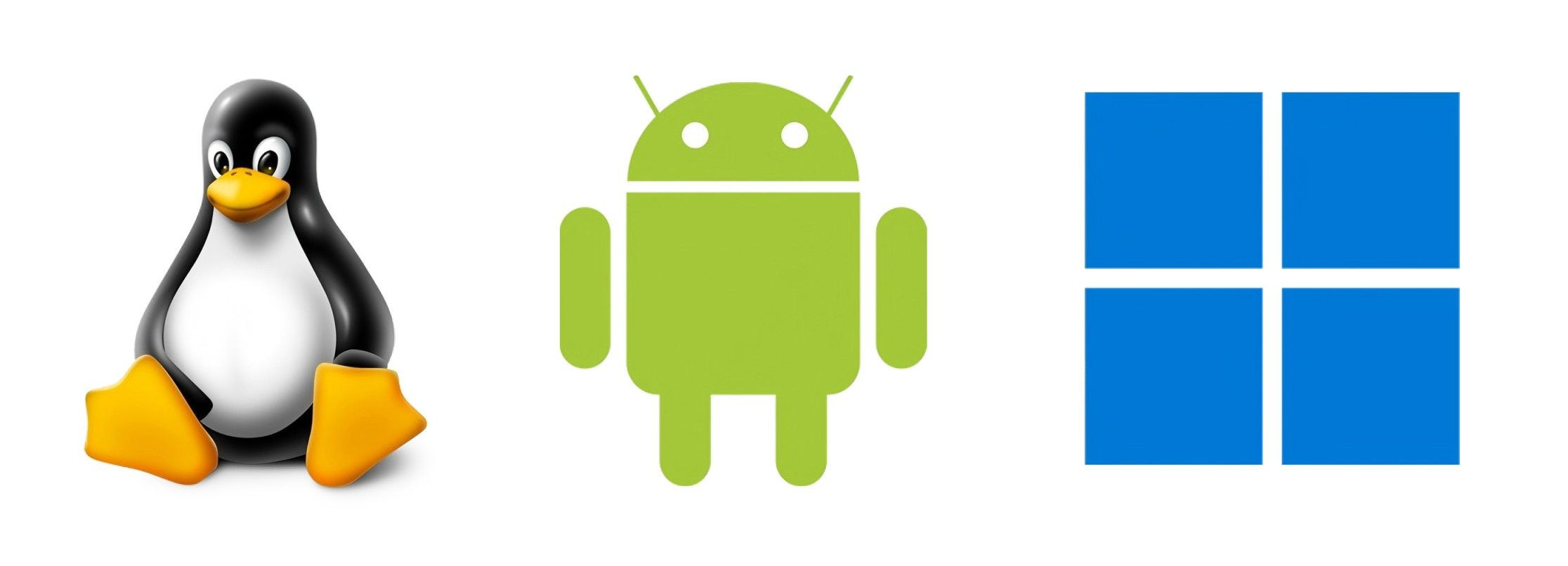
OS Matters: Windows, Linux, or Android Panel PC?

Not all Panel PCs serve the same role. The operating system defines the value.


Windows Panel PC

  • Best compatibility with industrial software
  • Ideal for SCADA, MES clients, vision systems
  • Most widely accepted by end users


Linux Panel PC

  • High stability and security
  • Excellent for edge computing and 24/7 operation
  • Perfect for Docker, OPC UA, MQTT-based systems


Android Panel PC

  • Cost-effective
  • Ideal for Web-based HMI and lightweight applications
  • Best for modern UI and customized apps
The different operating systems for Panel PCs - Android, Linux, and Windows  - Intronix Systems

Future Trends: Where the Industry Is Going

The automation industry is clearly moving toward software-defined, data-driven architectures.

Key trends:

  • Web-based HMI replacing proprietary runtimes
  • Soft-PLC + IPC architectures
  • Panel PCs acting as edge gateways
  • Integration of AI and machine vision at the edge
  • Android-based HMIs replacing low-end traditional HMIs

Traditional HMIs will not disappear — but Panel PCs are rapidly expanding into their territory.

Final Takeaway

  • Touch Screen HMI → Best for simple, PLC-centric machines
  • Panel PC → The foundation of modern, connected, and intelligent automation systems

Choosing correctly is not just a technical decision — it directly impacts scalability, integration, and long-term ROI.